App for iPhone and iPad · Graphics & Design · 2026
FontKit
From paper to .ttf and .otf
Turns your handwriting into a font: write the alphabet on a sheet of paper and photograph it, or draw the letters with your finger, and the app makes a .ttf and .otf file to install on your computer or use in design apps.
Coming soon to the App Store
A font in your own handwriting usually means a template to print, a scanner and an online service to send it all to. FontKit does everything on the phone.
You write the alphabet on white paper with a dark marker and photograph it, or run it through the document scanner: the app finds every letter and matches it to its character, even all at once if the sheet follows an order. With no paper at hand, you draw the letters with your finger on a page with guide lines.
Every letter has its own editor to clean it up, straighten it and line it up. Accented letters are built automatically from the accents, and a preview shows a sentence written in the new font before you export it in both formats. No account and no network: photos and fonts stay on the device.
What it does
- Sheet photographed, scanned or picked from the library
- Letters drawn with your finger, with guide lines
- Editor for each letter: crop, brush, eraser, straighten
- 53 accented letters built from the accents
- Export as .ttf and .otf
- Works offline, no account
Screenshots
-
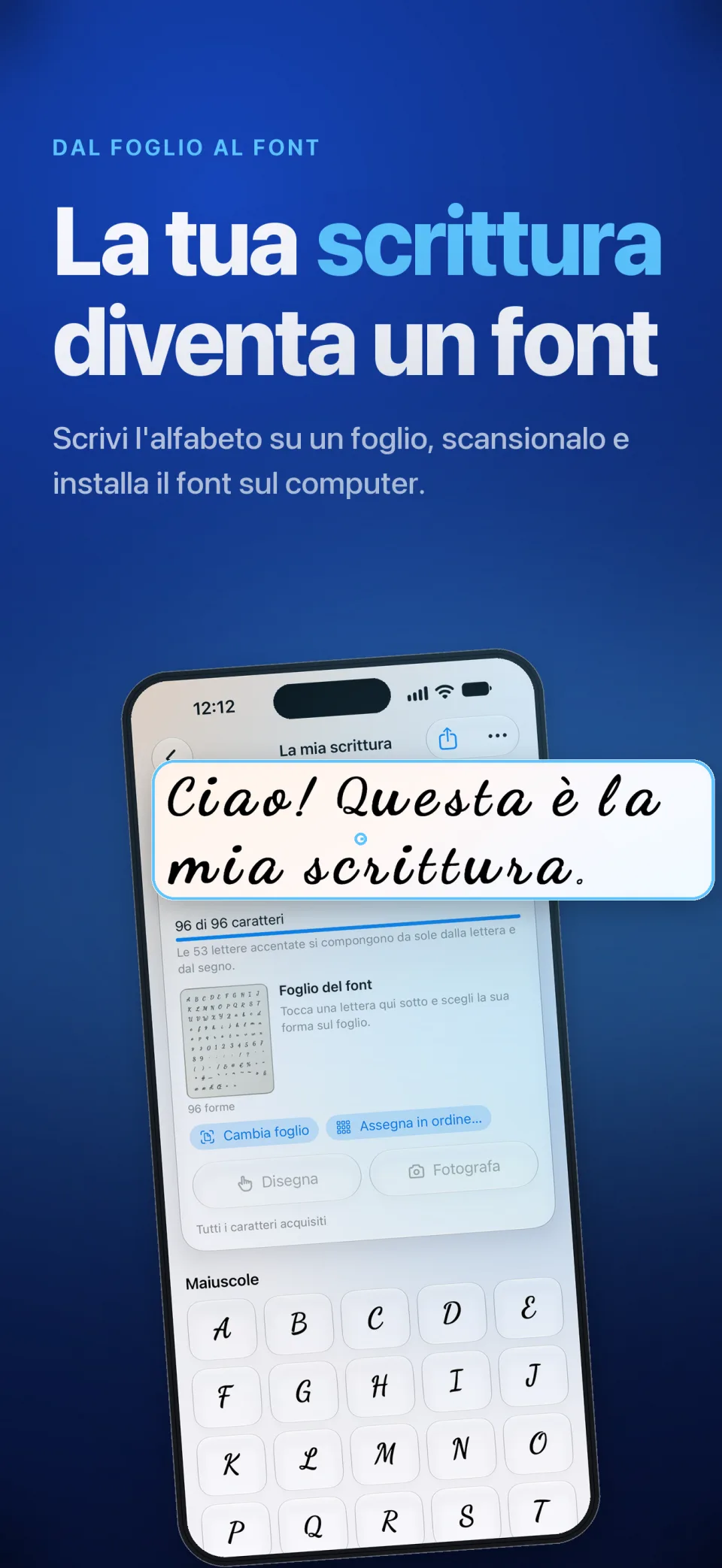 Open full size in a new tab: FontKit: your handwriting becomes a font
FontKit: your handwriting becomes a font -
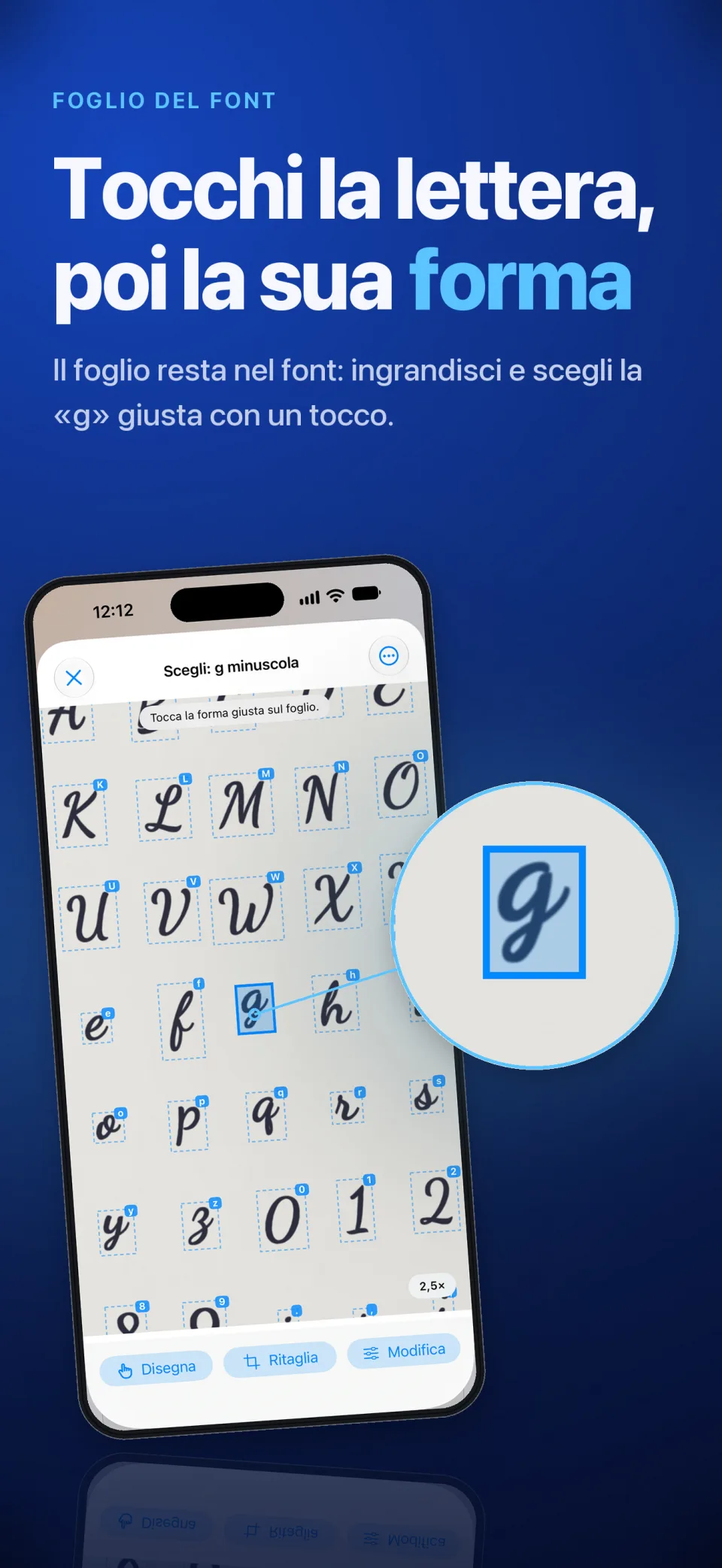 Open full size in a new tab: The handwritten sheet: tap the letter, then its shape
The handwritten sheet: tap the letter, then its shape -
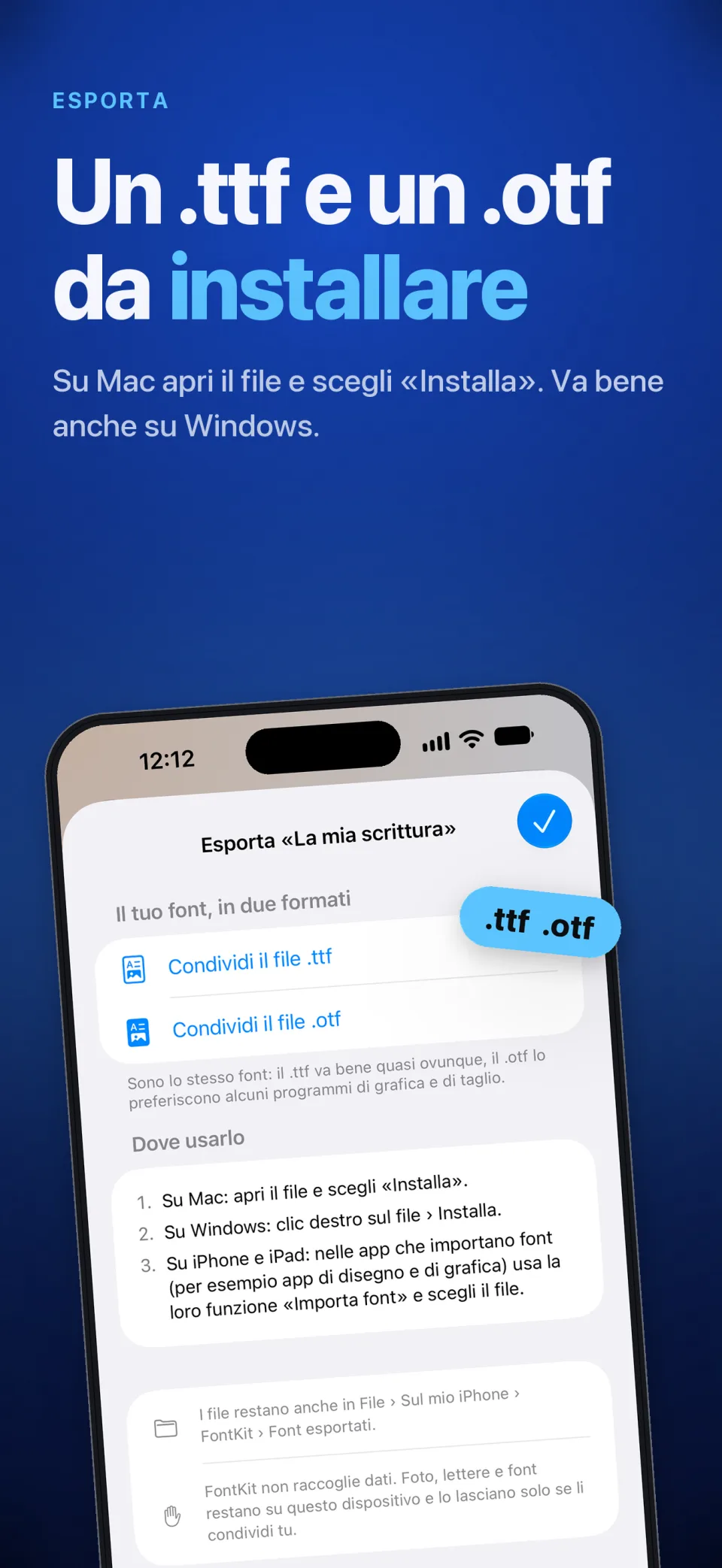 Open full size in a new tab: Exporting the font as .ttf and .otf files
Exporting the font as .ttf and .otf files