App for iPhone and iPad · Education · 2026
Foldami
Fold the phone to fold paper
Teaches origami one step at a time. On iPhone Duo the hinge is the fold: close the phone a little and the paper on screen folds with it. On any other iPhone and on iPad you fold with a finger.
Coming soon to the App Store
An origami book shows you the step; Foldami has you do it. Every fold starts with a line drawn on the paper: you move it onto the fold of the screen with two fingers, it turns green, and as you close your iPhone Duo like a book the flap lifts, swings over the hinge and lands on the other side. On an iPhone without a hinge, and on iPad, the same fold is done with a finger.
The eleven guided models start with a first lesson that brings the corners to the middle and end with a swan, by way of a cup, a hat, a heart, a dart plane and a samurai helmet; two lessons cover reverse and squash folds. With the phone closed, the outer screen of your iPhone Duo shows the next step. In Freehand you pick the shape, size and colors of the paper and fold wherever you like; your work saves itself.
Ten tables and ten papers, from washi to kraft, with guide lines that stay easy to see. VoiceOver reads out the sheet and its layers, text follows your system text size and every gesture has its own button. No account and no network: everything stays on the device.
What it does
- On iPhone Duo you fold by closing the phone
- On any iPhone and iPad you fold with a finger
- Eleven guided models, from a cup to a swan
- Reverse and squash folds
- Next step on the outer screen with the phone closed
- In 12 languages, offline, no account
Screenshots
-
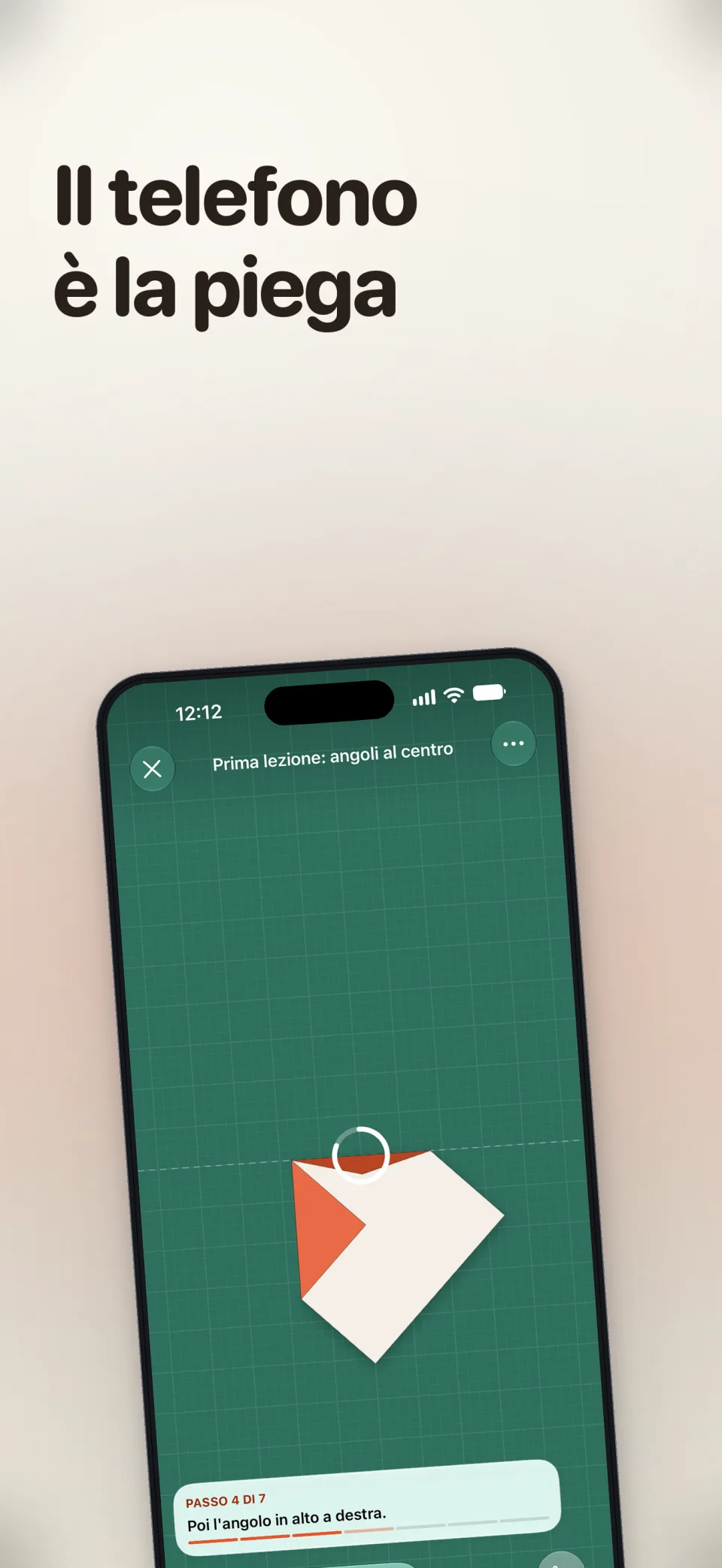 Open full size in a new tab: Foldami: the phone is the fold
Foldami: the phone is the fold -
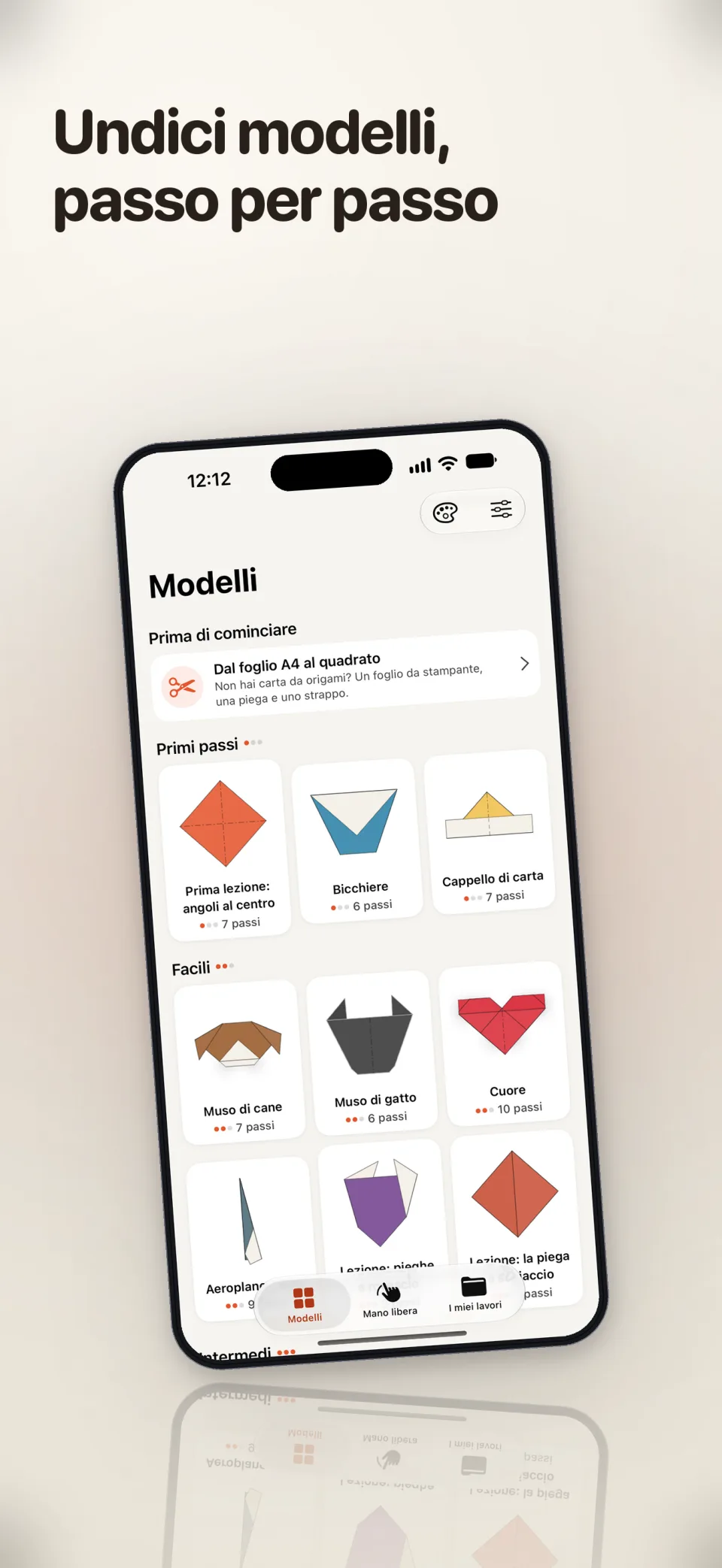 Open full size in a new tab: The library of eleven models, from the cup to the swan
The library of eleven models, from the cup to the swan -
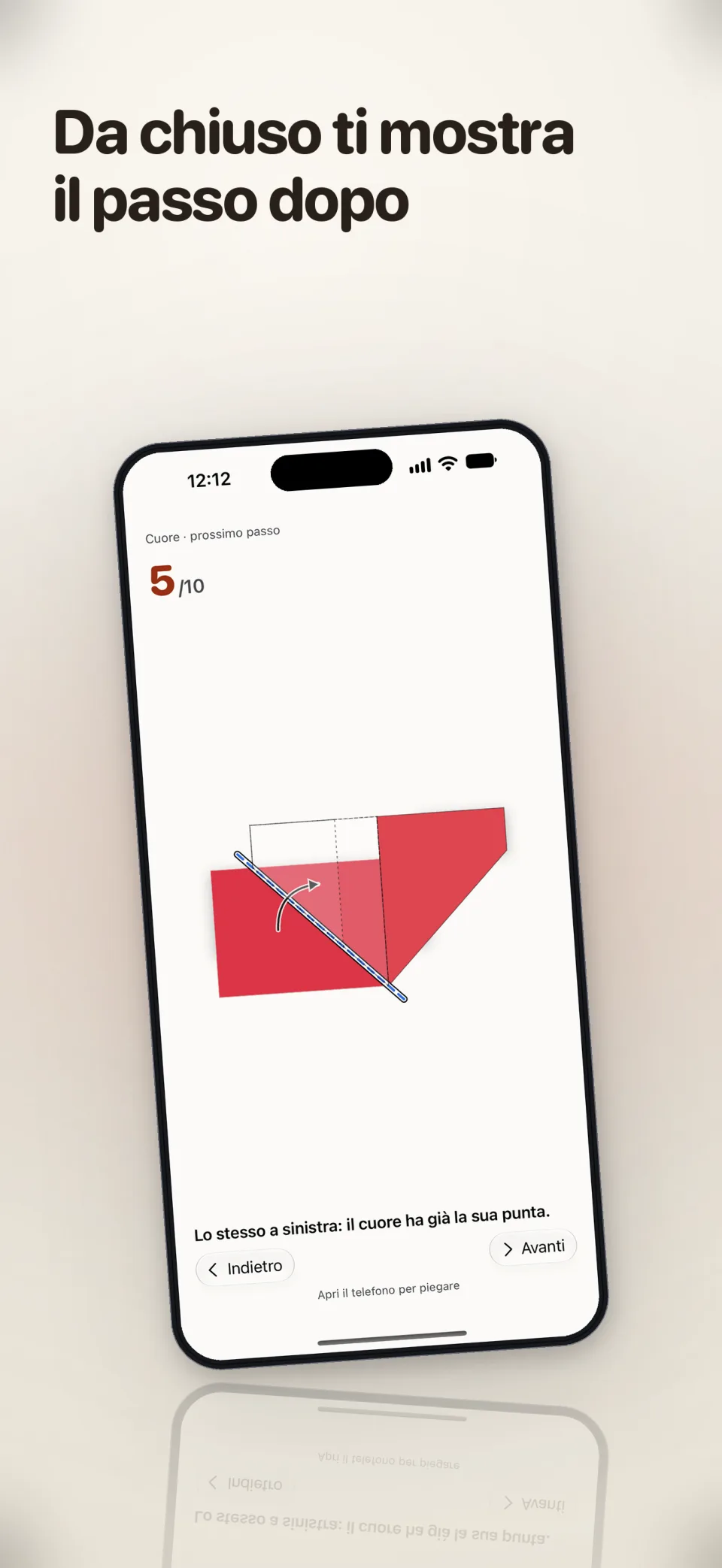 Open full size in a new tab: With the phone closed, the outer screen shows the next step
With the phone closed, the outer screen shows the next step